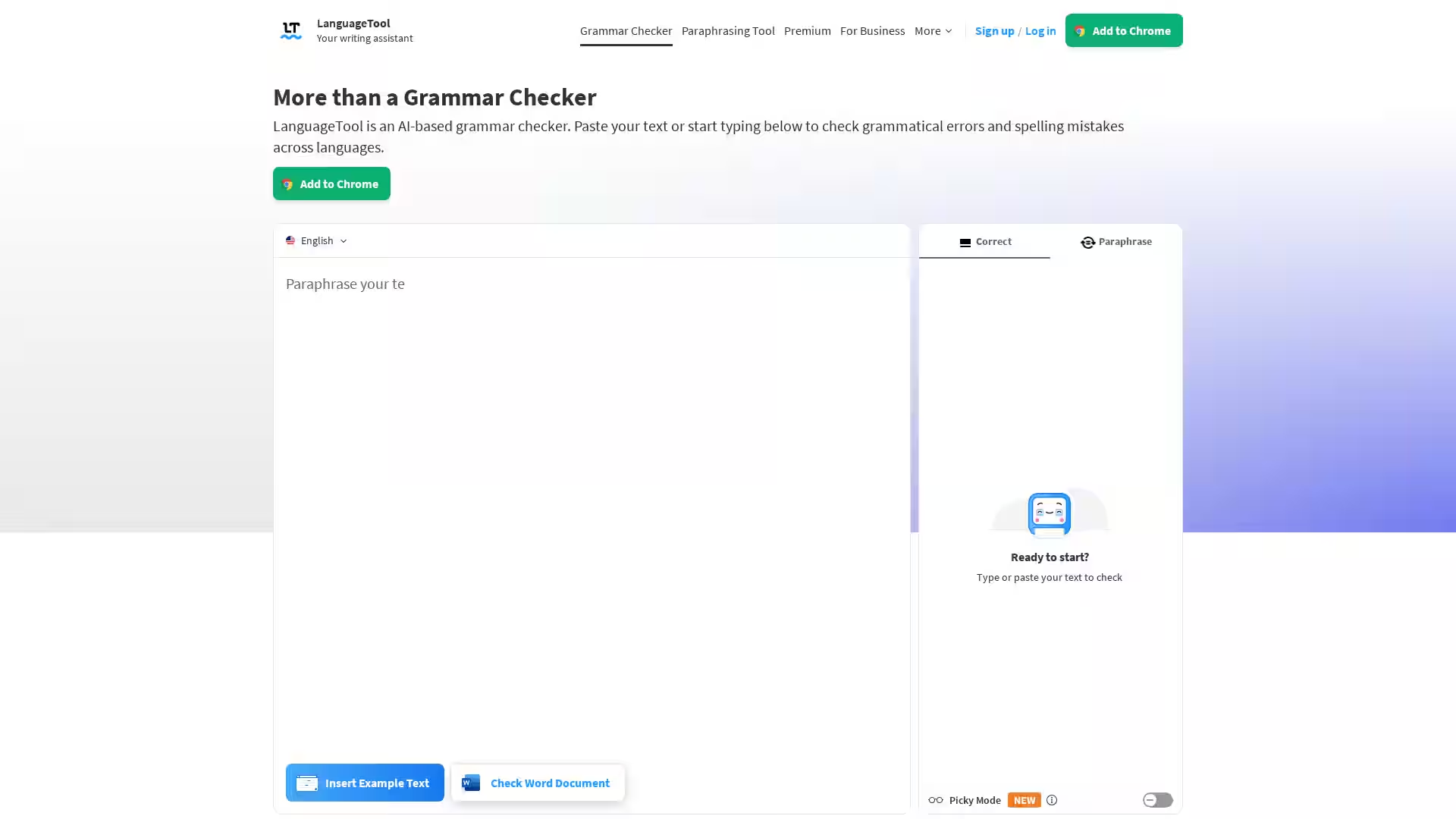
LanguageTool is a comprehensive AI-based grammar checker and writing assistant designed to improve your writing by detecting and correcting grammar mistakes, spelling errors, punctuation issues, and style inconsistencies in over 30 languages and dialects. Whether you are writing emails, blog posts, reports, or academic papers, LanguageTool works seamlessly across multiple platforms including browsers, office programs, and popular apps to ensure your texts are clear, professional, and polished.
The tool supports many languages including English (with six standard variants), German, Spanish, French, Portuguese, Dutch, and more. Trusted by over 2,000 organizations such as BMW Group, European Union, Spiegel, and JetBrains, LanguageTool is ideal for both individuals and businesses seeking error-free and consistent communication.
Key Features
Advanced Grammar Checking: Identifies grammatical errors like incorrect subject-verb agreement, improper plural forms, and misuse of tenses.
Spell Checking: Detects typos and spelling mistakes with accurate suggestions to correct them.
Punctuation Correction: Automatically finds and fixes complex punctuation errors including commas, dashes, and hyphens.
Style Improvements: Enhances your writing style by recognizing overused phrases, redundant words, and improper word choices.
Casing Correction: Ensures correct use of uppercase and lowercase letters for names, places, and titles.
Paraphrasing Tool: Offers AI-driven sentence rephrasing to make your writing more formal, fluent, simple, or concise.
Multilingual Support: Supports more than 30 languages and dialects, suitable for international communication.
Browser and App Integrations: Available as add-ons/extensions for Chrome, Firefox, Edge, Safari, Opera; email add-ons for Gmail, Outlook, and others; plus office plugins for Google Docs, Microsoft Word, LibreOffice, and Apple Pages.
Customizable Editor: Features distraction-free writing environment, personal dictionary, statistics to track writing progress, and dark/light mode.
Unlock unlimited paraphrasing, advanced suggestions, and other premium features with a subscription.
GDPR-compliant Business Solutions: Tailored for companies to maintain consistent brand voice and error-free communication.
Use Cases
Students & Academics: Perfect for proofreading essays, dissertations, and research papers to ensure grammatical accuracy and formal style.
Business Professionals: Compose clear, professional emails, reports, and marketing content with confidence.
Content Creators & Bloggers: Write error-free articles, social media posts, and blogs in multiple languages.
Non-Native Speakers: Improve language fluency and writing quality with multilingual support and style guidance.
Writers & Editors: Quickly spot stylistic weaknesses and repetitive phrases to elevate the overall quality of texts.
Developers & API Users: Integrate LanguageTool proofreading capabilities into applications using the proofreading API.
FAQ
Is LanguageTool free?
LanguageTool offers a robust free version correcting spelling and some basic grammar and punctuation errors. A Premium subscription unlocks unlimited checks, advanced grammar, style suggestions, and unlimited paraphrasing.
Which languages does LanguageTool support?
LanguageTool supports checking texts in more than 30 languages and dialects including English (US, UK, Canada, Australia, New Zealand, South Africa), German, Spanish, French, Portuguese, Dutch, and many others.
How does LanguageTool handle punctuation?
It excels at identifying and correcting complex punctuation errors such as missing or unnecessary commas, dashes, and proper use of punctuation marks, ensuring your sentences are well-structured.
Can LanguageTool be used offline?
LanguageTool offers apps for macOS and Windows that integrate with popular writing apps, providing grammar and style checks locally. Browser add-ons analyze text in real time but rely on an internet connection.
What integrations are available?
LanguageTool integrates with Chrome, Firefox, Edge, Safari, and Opera browsers; Gmail, Outlook, Apple Mail, Thunderbird for emails; Google Docs, Microsoft Word, LibreOffice, and Apple Pages for office documents. It also offers a Proofreading API for developer use.
Is my data secure?
LanguageTool prioritizes user privacy. The browser add-ons do not store text. The platform provides GDPR-compliant business solutions to protect data confidentiality.
How can LanguageTool improve my writing?
Beyond catching errors, LanguageTool offers style recommendations, detects repetitive words and phrases, and provides paraphrasing options to make your writing clearer and more engaging.