Newsletter
Join the Community
Subscribe to our newsletter for the latest news and updates


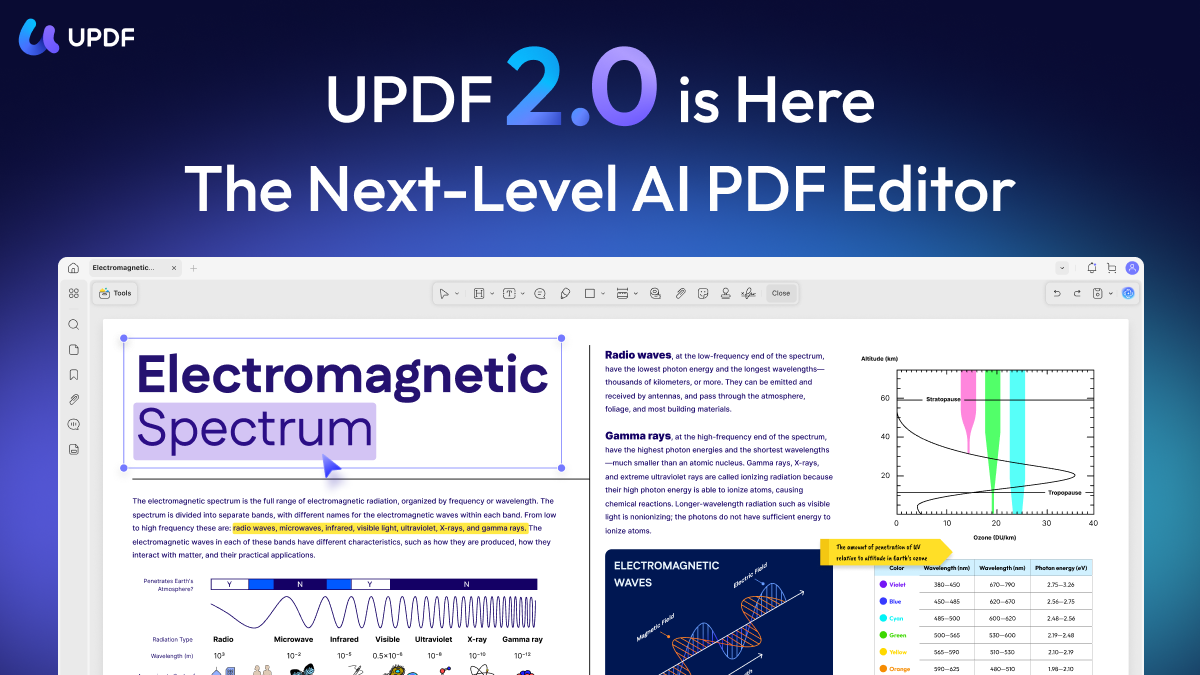
UPDF is a powerful and easy-to-use PDF editor and reader offering comprehensive tools to view, edit, annotate, and organize PDF documents.
UPDF is an advanced PDF editing software designed to cater to both casual users and professionals who need efficient and flexible PDF management tools. With a clean and intuitive interface, UPDF allows users to view, annotate, edit, and organize PDF files without hassle. It supports a variety of editing capabilities such as text editing, image modification, and page arrangement, making it a versatile solution for managing digital documents.
Whether you're handling business reports, academic papers, or personal documents, UPDF streamlines your workflow with high-speed performance and robust features.
Q: Is UPDF free to use? A: UPDF offers a free version with basic editing and reading features; a premium version unlocks advanced capabilities.
Q: Can I edit scanned PDFs in UPDF? A: UPDF supports text and image editing but OCR (Optical Character Recognition) for scanned documents may need to be accessed via premium features or complementary tools.
Q: Does UPDF support converting PDFs to other formats? A: Currently, UPDF focuses on editing and annotating PDFs; conversion features may be limited or offered in specific versions.
Q: What platforms does UPDF support? A: UPDF is available on Windows and Mac platforms.
Q: Can I secure my PDFs with passwords in UPDF? A: Yes, UPDF allows users to add password protection and set permissions to restrict actions like copying or printing.
Q: How does UPDF compare to other PDF editors? A: UPDF combines an easy-to-use design with essential editing features and is ideal for users seeking a balance between functionality and simplicity, often at a competitive price.
Q: Is there customer support available? A: Yes, UPDF provides customer support through their website for troubleshooting and inquiries.